PuTTYgen 🔗
PuTTYgen is part of PuTTY. You can download PuTTY from https://www.putty.org/ and install it on your machine.
Creating a new SSH key pair with PuTTYgen 🔗
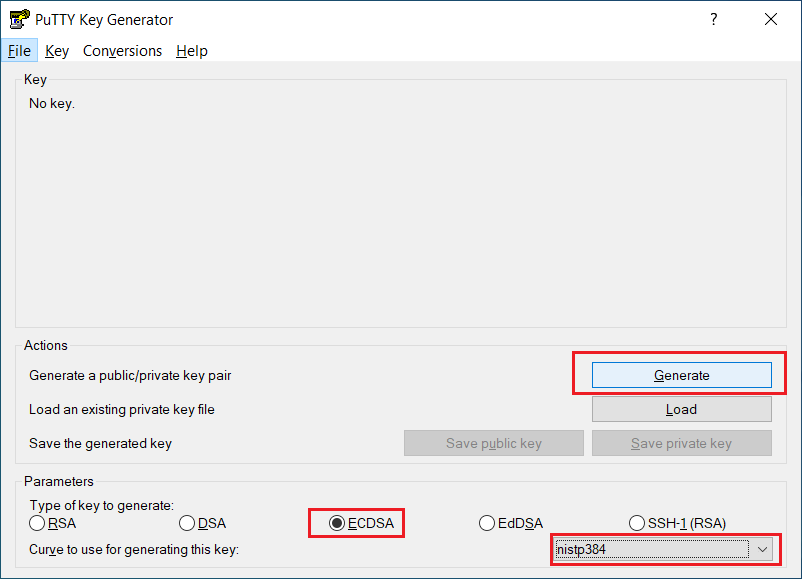
- PuTTYgen is part of PuTTY. After you started the application you have to select the type of key and its length.
- We recommend **ECDSA ** and nistp384
- Click on Generate to start generating the new key pair
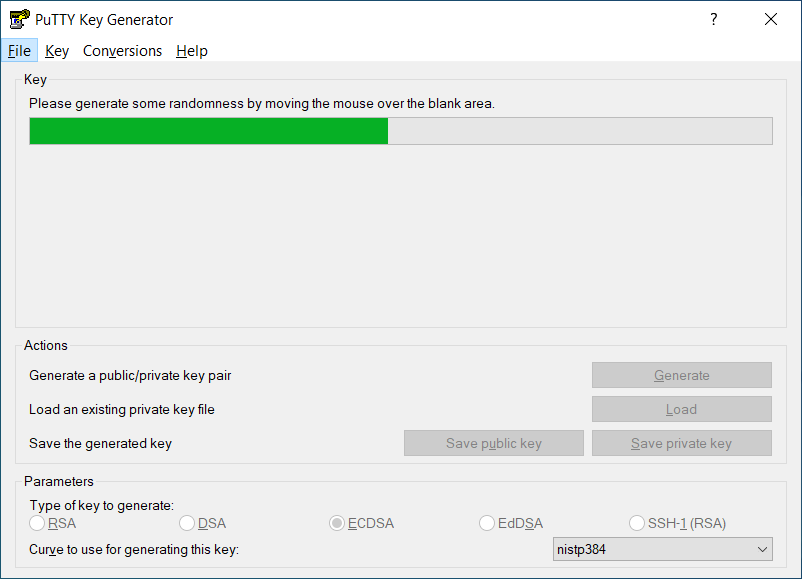
- To increase randomness while generating the key, you have to move your mouse cursor just below the green bar
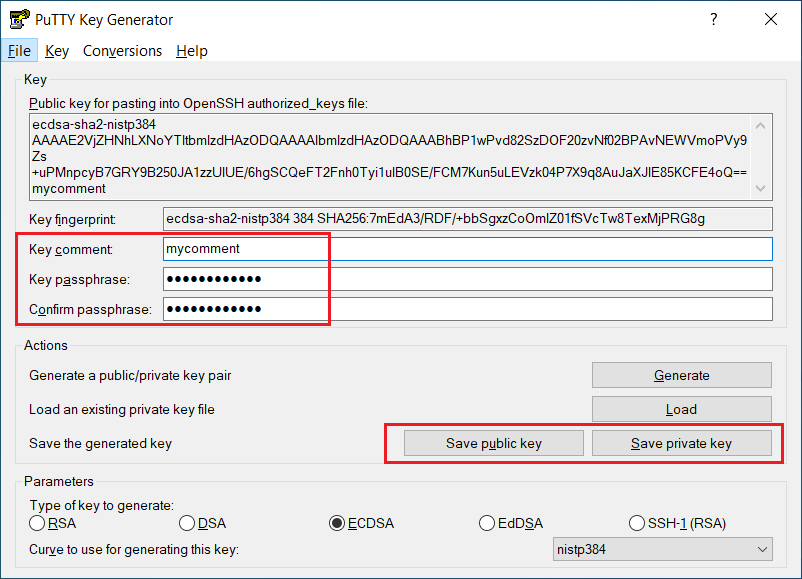
- After the key is generated you should add a
- Comment - to be able to identify the key later
- Key passphrase to secure your key
- Then you have to save your public and private key. This is done separately.
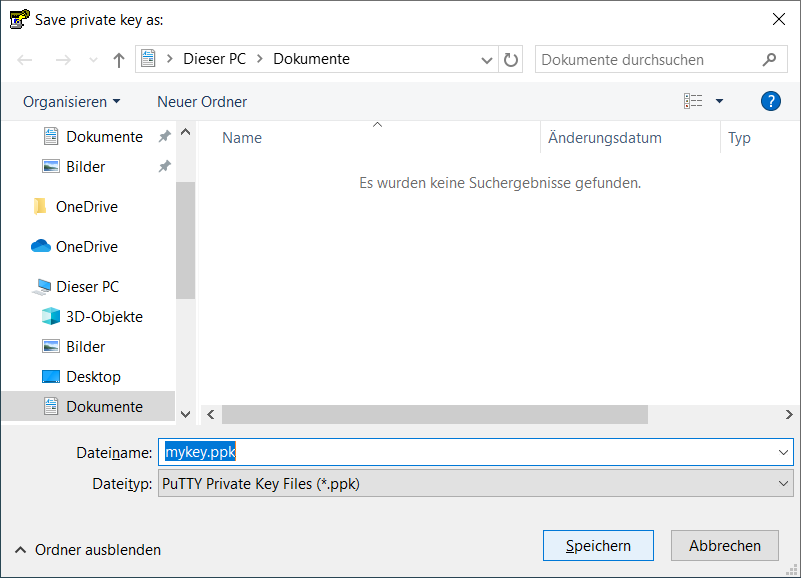
- Save the public key and give it a meaningful name. The file-extension can be for example .txt.
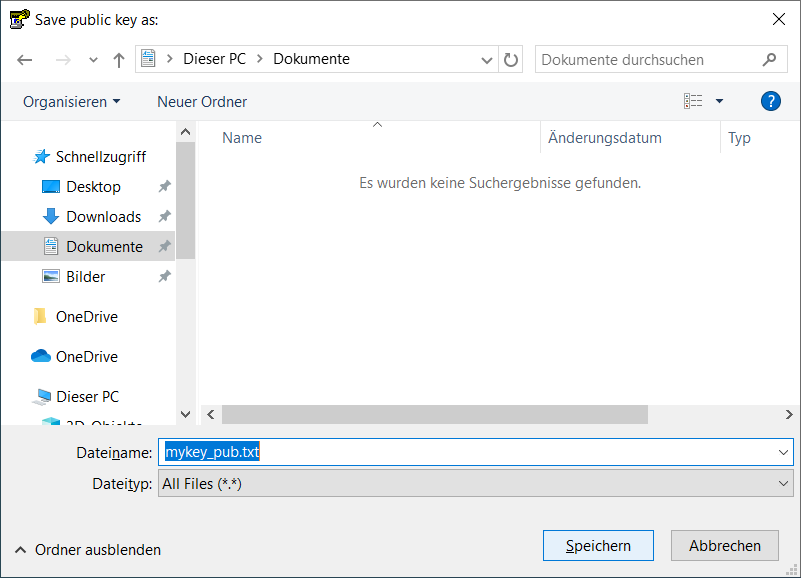
- Save the private key and give it a meaningful name. The file extension of the private key is always .ppk. This is the file-format for PuTTY SSH keys.
⚠️
After you saved everything, upload the public key in the IT Portal: https://www.uni-muenster.de/IT-Portal under Passwords and PINs - Public SSH Keys
Never share your private key with anyone else. It should not be stored online and only reside on your local machine.